
Read, mark and delete notifications
Your updates in one place.
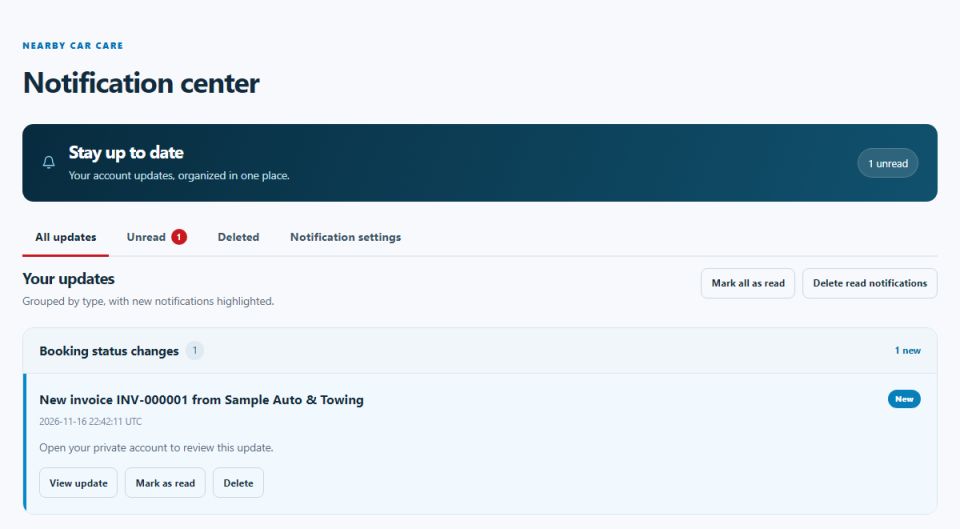
The bell at the top shows how many updates you have not read. Open Notifications to see them grouped by type. Mark them as read, open the item they are about or delete them. Deleted notifications stay in the Deleted tab for a while in case you need them.
Updated 2026-11-17