
How to Build a Car Maintenance Checklist for Your Vehicle
You know the feeling. You’re cleaning out the car, you find an old oil
change receipt, and you realize you can’t remember which other jobs
you’ve been putting off. The wipers have been streaking for a while.
The tire pressure light came on once and went away. Now you’re trying
to decide what belongs on the weekend list and what belongs on a
shop’s calendar.
Nearby Car Care’s free Maintenance Checklist gives you somewhere to
start. You can read and print a general list, or choose a vehicle and
fuel type to see a narrower list. Either way, you can use it without
signing in. Here’s how to turn that page into something you’ll
actually use after you close the browser.
Start with the general list when you want the big picture
Open https://nearbycarcare.com/maintenance-checklist/ and choose the
general checklist. It groups items by time or situation, including
monthly checks, checks every few months, annual items, mileage-based
service, and preparation for winter or summer. If you’re planning a
weekend around the car, pick the section that matches what you’re
trying to do. You don’t need to read from top to bottom every time you
open it.
Each entry gives you a clue about the next step. Some are labeled as
things you can check yourself. Others point you toward a mechanic.
That distinction helps when you’re making a list for the household. A
quick look at your lights fits into a different kind of afternoon than
an appointment for a brake inspection. Open an item to read about it
before putting it on either list.
The general checklist also shows fuel-type labels on items that apply
to certain vehicles. That’s useful when you’re looking at two cars in
the same household. One person might be keeping track of engine oil
and the other might need to look at charging equipment. If you’re
printing copies for both cars, write the vehicle name on each copy so
you won’t mix up your notes.
Choose your vehicle to focus the list
At the top of the page, choose a year, then start typing the make.
Pick the matching suggestion from the list. Do the same for the model.
Model suggestions can include variants, so read the full label before
choosing. If you’re unsure what you drive, check your vehicle
documents or owner’s manual. A familiar model name can cover several
versions of a car, and the extra words can help you pick the right
one.
Next, choose the fuel type. The page offers gasoline, diesel, hybrid,
plug-in hybrid, electric, and an option for when you’re unsure. Then
choose Show my checklist. The result identifies the vehicle you
selected, and you can check that heading before you print. If you
picked the wrong vehicle, go back to the selector and change it before
you make notes on the list.
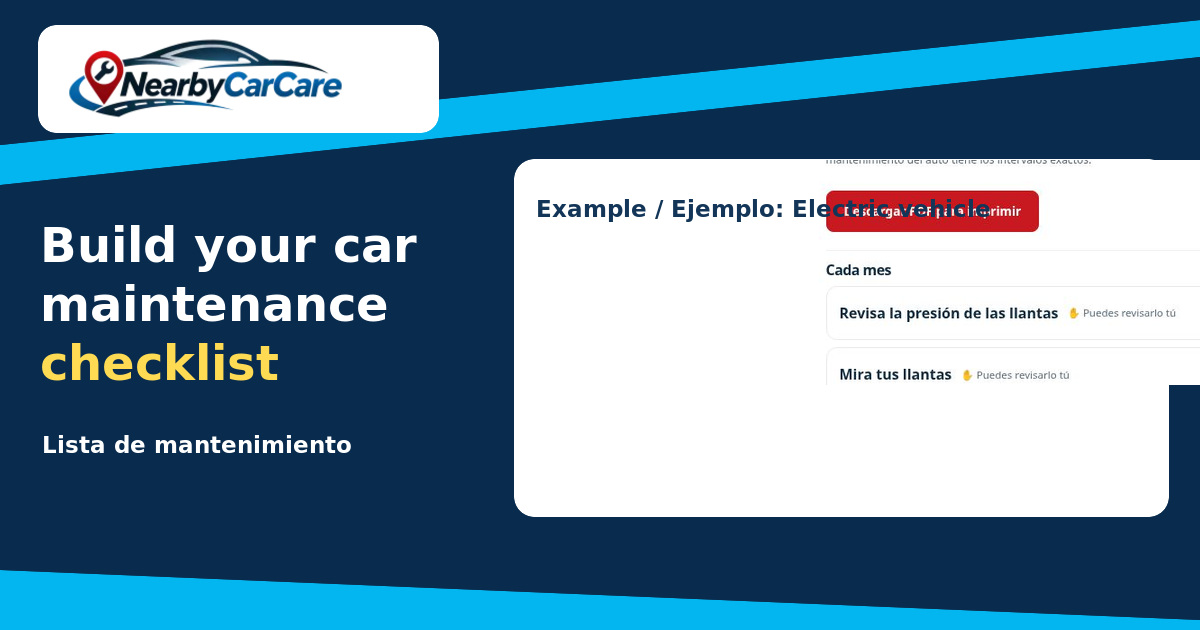
For example, choosing a 2022 Tesla Model 3 Long Range AWD and Electric
opens a list identified for that selection. The monthly section
includes charging cable and port checks. Imagine a driver who’s moving
from a gasoline car to their first EV. They may already have a habit
of checking their tires and lights. The filtered view helps them see
which other items are worth getting familiar with for the new car. The
general list is still useful when they want to check what applies to a
second vehicle.
Use the checklist and the owner’s manual together
The tailored checklist is based on general maintenance guidance for
the type of vehicle you selected. Use your owner’s manual for the
exact intervals and instructions for your car. Think of the checklist
as a place to notice a question worth looking up. The manual is where
you confirm when that job is due, what it involves, and which version
of the instructions applies to your vehicle.
This matters when you buy a used car. The checklist can help you work
out what to ask about. A receipt or service record can tell you
whether the work actually happened and at what mileage. If you find a
record that says the brakes were inspected, write down the date and
mileage from the document. If the paperwork is incomplete, mark the
item as something to ask about. That gives the shop a more useful
starting point than a guess about what the previous owner did.
The same approach works when you’ve owned the car for years. If you
can’t remember when something was last checked, keep the question
visible. You can review your records when you have time or bring it up
when you’re booking the next visit. You may find that a job was done
recently and you simply forgot where you put the receipt.
Print a copy that can handle real life
The page offers a printable PDF for the general list and a PDF link on
the vehicle-specific result. Pick the version you want before
downloading. A paper copy can be handy when you’re walking around the
car, or when two people share the job of getting it serviced. If you
prefer your phone, you can keep the PDF where you keep the rest of
your car paperwork.
Give each note a small job. Record the date when you look at
something. Put a question mark beside items you need to confirm. If
you want to talk to a mechanic about a particular concern, leave room
for a sentence about what you noticed. A note like “wipers leave a
streak on the driver’s side” is easier to work with at the counter
than a checkmark you can’t explain a week later.
Turn your notes into a short list for the shop
Before you call, decide which items you want to discuss on this visit.
You can tell the shop the year, make, model, current mileage, and what
you know about the last service. Ask what they’d check first and which
work can be handled in the same visit. If you still need a shop, the
mechanics and repairs directory is at
https://nearbycarcare.com/services/mechanics/. The checklist page also
points drivers to reminders for ongoing follow-up.
The next time you find yourself wondering what’s due, start with the
checklist. Pick your car or print the general version, then write down
one thing you can look at and one question worth asking. You’ll have
something concrete to work from the next time the car needs attention.