
UNITED STATES · LOCAL AUTOMOTIVE DIRECTORYDeals & gift cardsFor driversFor business owners

Use the Back button in the app

The app works like any other app on your phone.
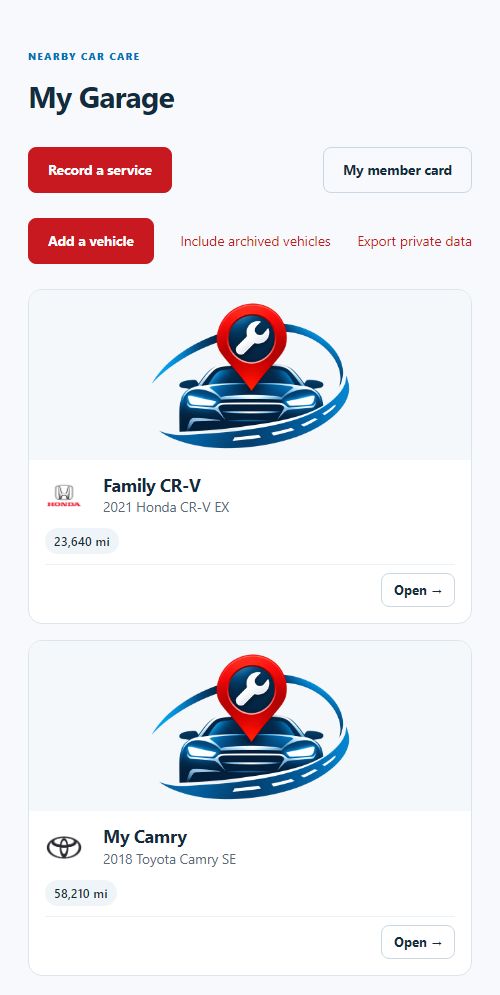
Screenshot: Use the Back button in the app
Screenshot of this screen on Nearby Car Care

In the installed app, the phone's Back button (or swipe back) first closes any open menu or window, then returns to the previous screen. Inner screens also have a back arrow next to the logo. If you open the app straight on a screen, the arrow takes you to the section it belongs to instead of closing the app.

Updated 2026-11-17

Was this post helpful?

Did not find your answer?

Send your question and our team will reply by email and in your account.

Send your question

Privacy choices

Essential storage

Always active for sessions, security, requested language and your privacy choices.

Advertising and audience analytics are not installed and remain off. Browser location and notification permissions are separate.

Preferences last up to 180 days. You can change them at any time.

Privacy policy · Cookie policy